Your desktop companion for Path of Exile.
Import builds, track gems, items & quests, and use the ingame overlay.
A look at the most important views of the app.
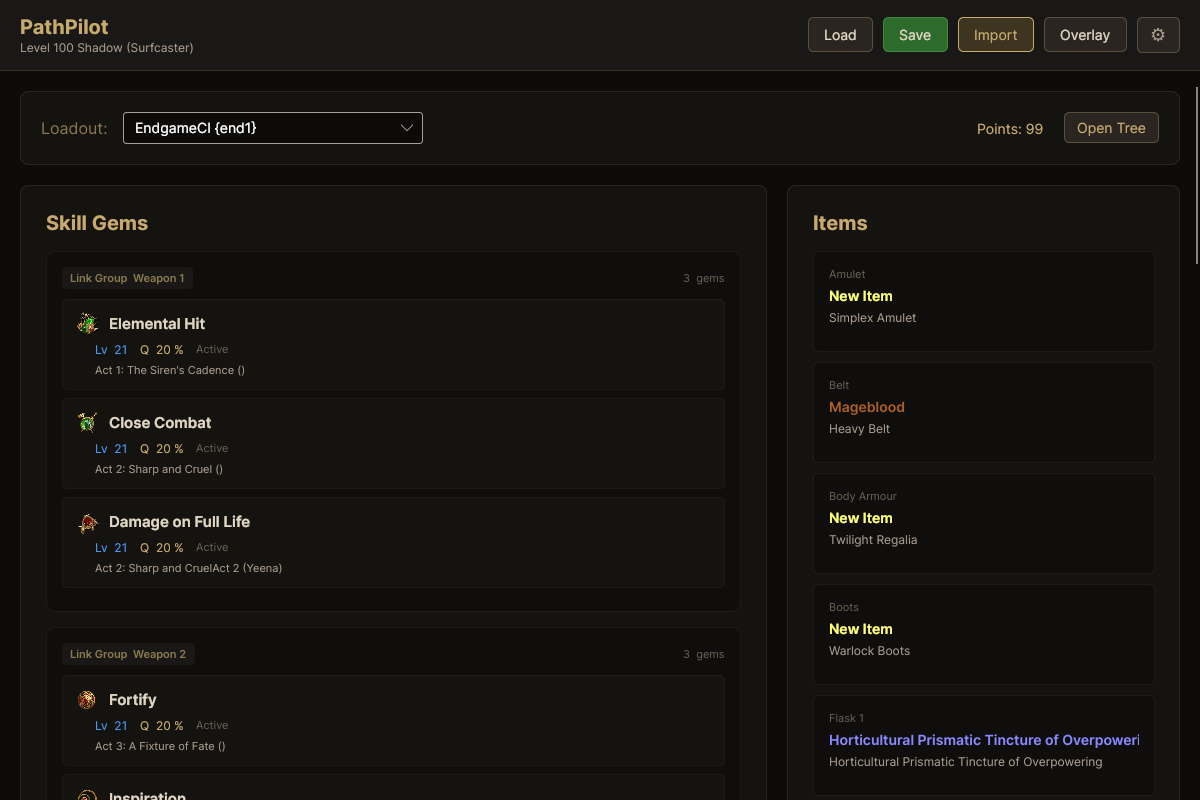
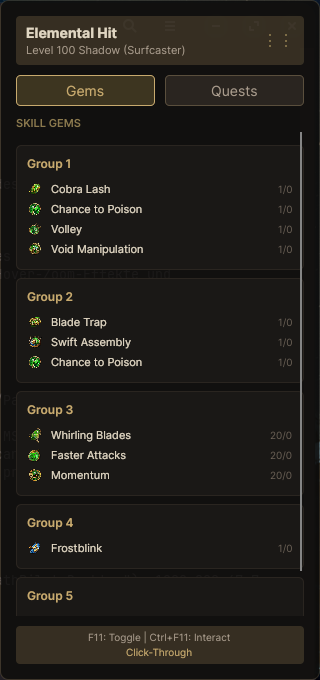
Skill gems with level, quality and acquisition info alongside your items with rarity colors.
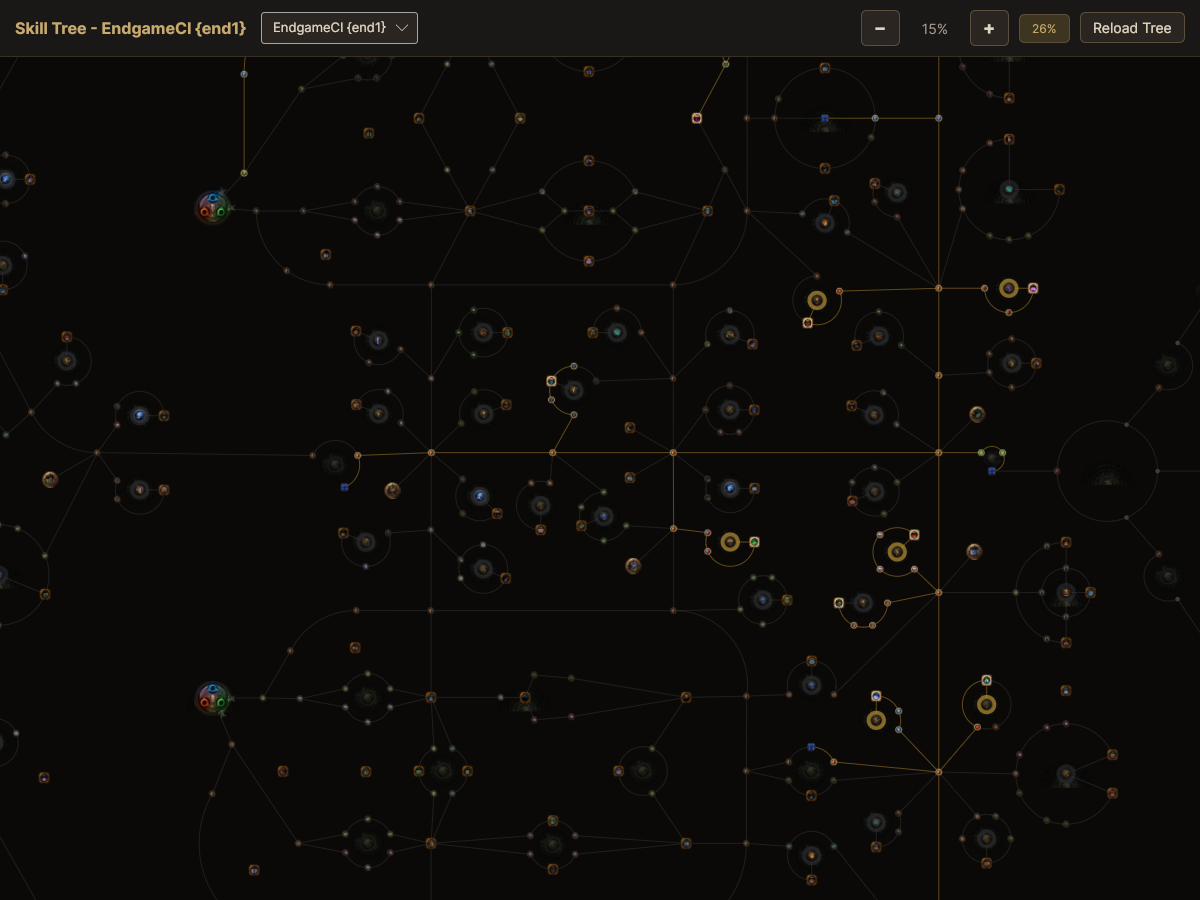
1300+ nodes with GPU-accelerated SkiaSharp rendering.
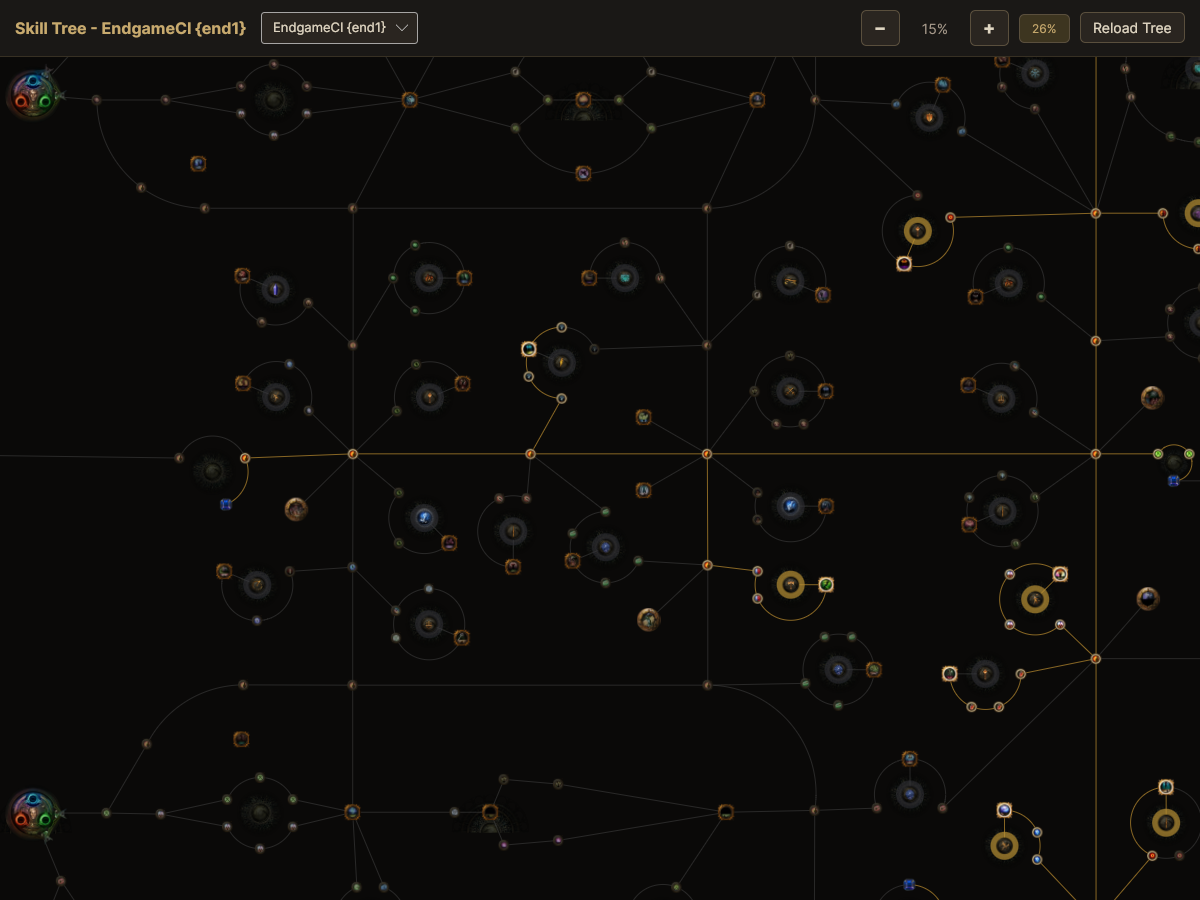
Zoom & pan for a close-up view of allocated nodes.
PathPilot combines build import, gem & item tracking, quest progression and a native skill tree viewer in one desktop tool.
Paste Path of Building codes or pobb.in URLs directly. Your build is instantly available.
Skill gems with real PoE Wiki icons, level, quality, socket colors and acquisition info.
Items with rarity colors, mods and detailed tooltips. Just like in the game.
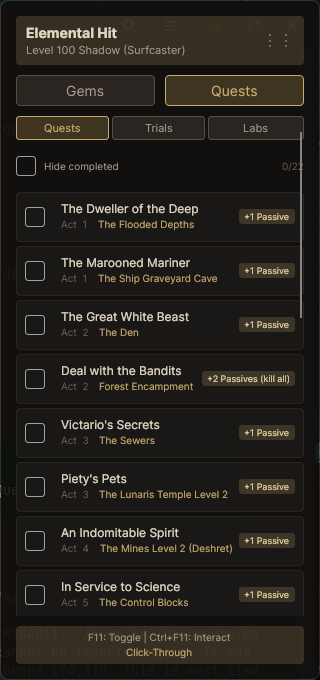
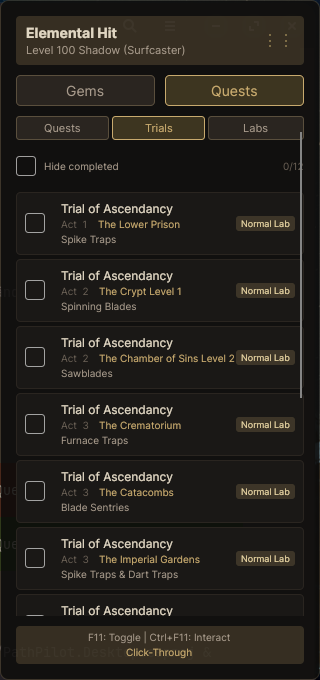
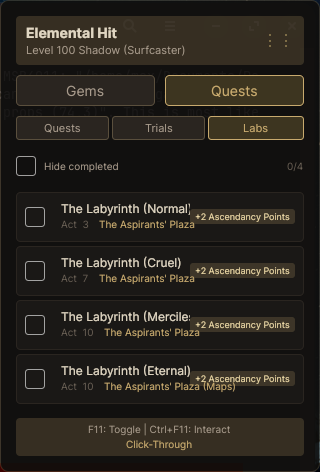
Track skill point quests, ascendancy trials and labyrinth completion. Mark progress as you go.
Native SkiaSharp-based passive tree with GPU-accelerated rendering, zoom, pan and tooltips.
Transparent overlay with gems, quests, trials and labs tabs. Click-through mode, draggable, position saved.
Switch between SkillSet, ItemSet and TreeSet configurations for multi-setup builds.
Save builds locally and load them anytime. Last used build auto-loads on startup.
No embedded browser, no 200MB Chromium dependency. Pure SkiaSharp rendering with GPU acceleration.
1300+ nodes rendered smoothly with SkiaSharp GPU acceleration.
Mouse wheel to zoom, drag to pan. Natural navigation.
Node name, stats and connections at a glance.
Your allocated nodes highlighted in gold, directly from the PoB import.
Found a bug or have an idea? Let us know on GitHub.
Download PathPilot for Windows and start following your build in seconds.
Setup wizard with shortcuts. The easiest way to get started.
DownloadNo installation needed. Extract anywhere and run directly.
Download# Clone the repository
git clone https://github.com/Maex-z9/PathPilot.git
cd PathPilot
# Run the project
dotnet run --project src/PathPilot.Desktop/PathPilot.Desktop.csproj